

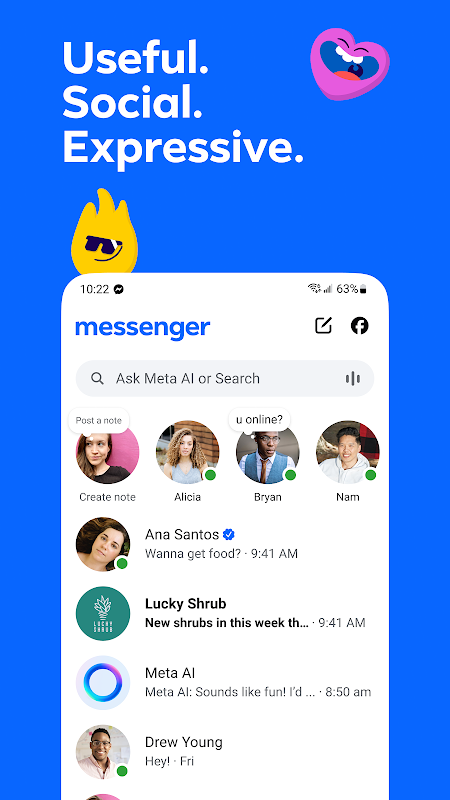
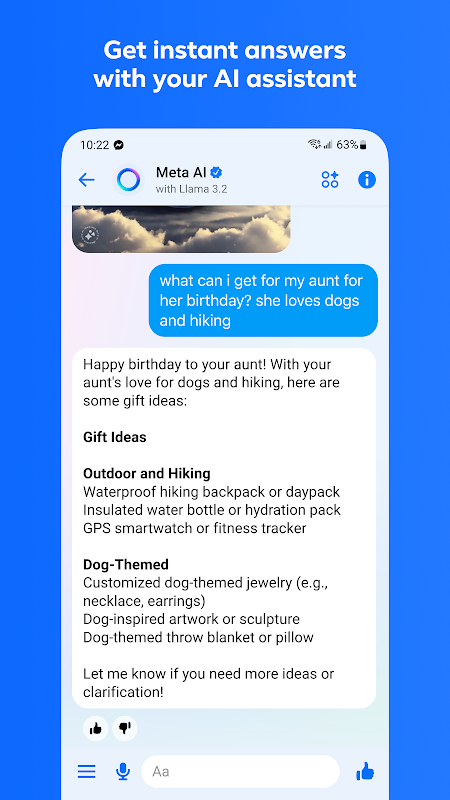
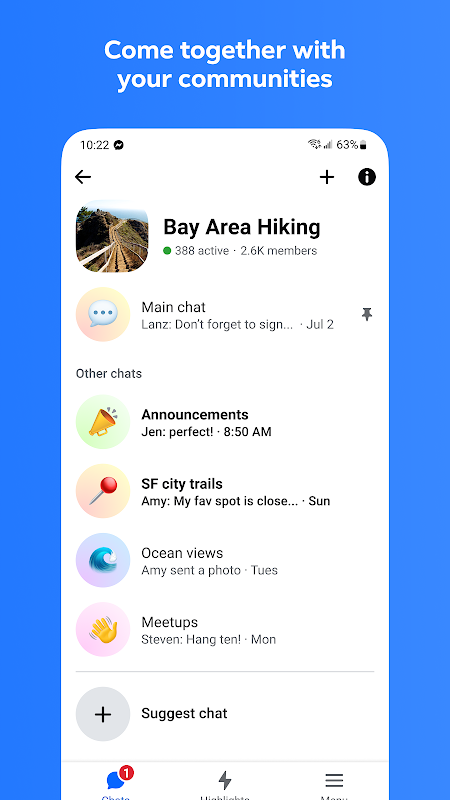
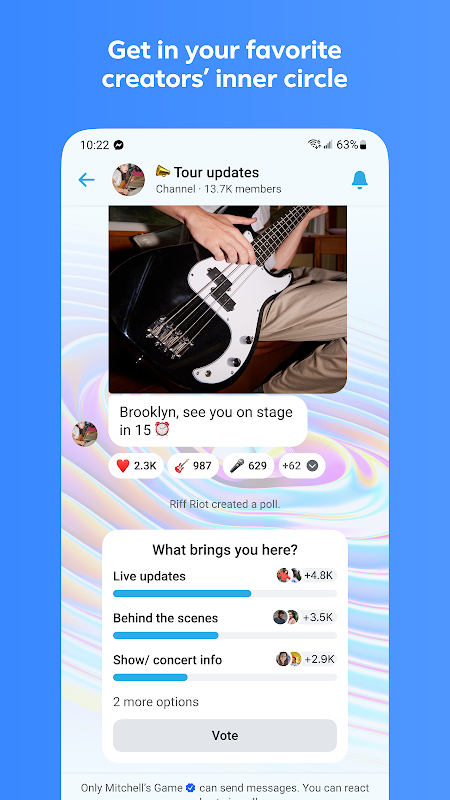
Messenger provides seamless communication for users who want to stay connected with friends and family across different platforms. This powerful app from Meta enables instant messaging, high-quality voice and video calls, and effortless media sharing, making it ideal for both personal and group conversations. It is designed for anyone with a Facebook account or phone number seeking a reliable and feature-rich messaging experience.
Instant Messaging and Reactions
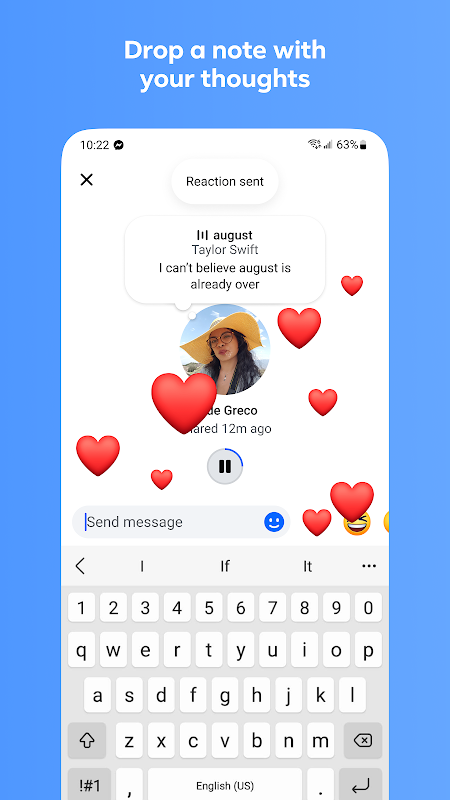
The core of Messenger is its robust instant messaging system, allowing you to send text messages to individuals or groups in real time. You can enhance your conversations with a wide array of emojis, stickers, and GIFs to express yourself more vividly. The message reaction feature lets you quickly respond to any message with a tap, adding a layer of expressiveness without typing a word.
High-Quality Voice and Video Calls
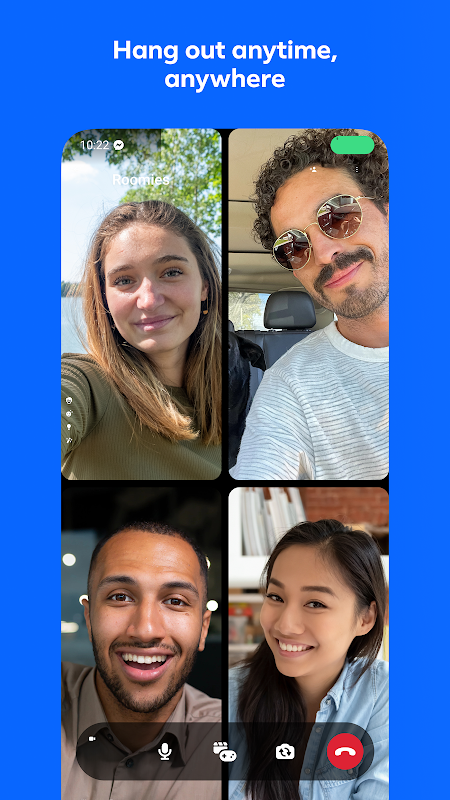
Experience crystal-clear communication with Messenger’s voice and video calling capabilities. You can make free calls over Wi-Fi or mobile data to anyone in your contacts, anywhere in the world. The video call feature supports group calls, making it easy to connect with multiple people at once for virtual gatherings or meetings. Call quality is consistently optimized for a smooth and reliable connection.
Expressive Chat Themes and Customization
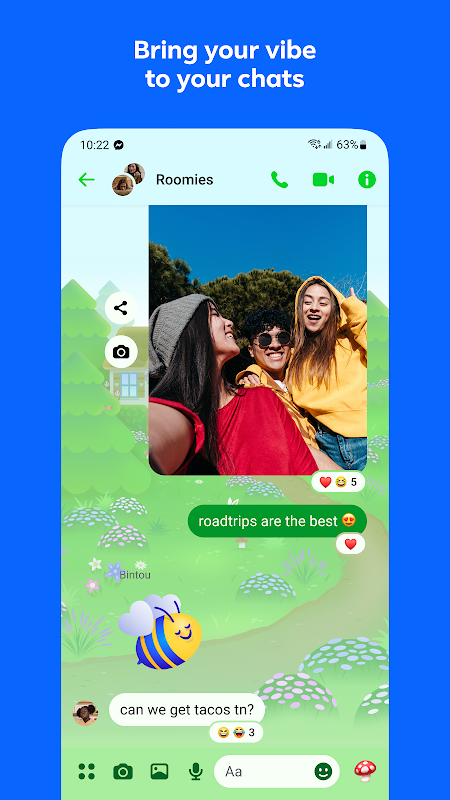
Personalize your chat experience with a variety of vibrant themes and color gradients. You can set a unique theme for each of your conversations, making them visually distinct and more engaging. This level of customization extends to nicknames and emoji shortcuts, allowing you and your friends to create a shared space that reflects your relationship.
Secure and Private Conversations
For sensitive discussions, Messenger offers a dedicated secret conversations mode. These chats are end-to-end encrypted, meaning only you and the recipient can read what is sent. You can also set a timer for messages to disappear after they have been seen, providing an additional layer of privacy and control over your digital footprint.
Integrated Media and File Sharing
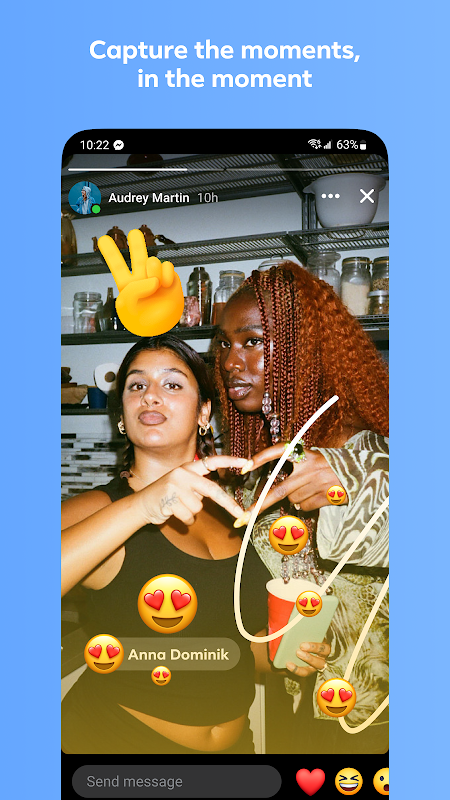
Sharing moments and documents is straightforward with Messenger’s integrated sharing features. You can instantly send photos and videos from your gallery or capture them directly within the app. The platform also supports sharing various file types, making it a practical tool for quickly exchanging documents without needing to switch to email.
Fun with Augmented Reality
Messenger integrates augmented reality effects to make your video calls and photos more entertaining. You can apply fun filters, masks, and interactive backgrounds during a call or while capturing images in the chat. These AR experiences are constantly updated, providing fresh and creative ways to interact with your contacts.
Frequently Asked Questions
Yes, Messenger is a standalone application, though it is developed by Meta. It allows you to message your Facebook friends and contacts from your phone number without needing to open the main Facebook app, offering a dedicated communication experience.
You can use Messenger by signing up with your mobile phone number. This allows you to connect with people who have your number or who are also using Messenger, providing flexibility for those who prefer not to use a Facebook profile.
Yes, video and voice calls made through Messenger are completely free, utilizing your Wi-Fi or mobile data connection. This allows for unlimited calling to anyone else on the platform, regardless of their location, without incurring traditional phone charges.